Showing posts with label ExecuteMultipleRequest. Show all posts

Tuesday, January 22, 2013

Using ExecuteMultipleRequest with CRM 2011

ExecuteMultipleRequest METHOD IN ACTION

As we all know CRM 2011 rollup 12 has lunched a new ExecuteMultipleRequest method.
Today i am just exploring this great feature and develop a code snippets and wants to share with you.
Note: Make sure you have latest SDK of CRM 2011

            var service = new XrmServiceContext("Xrm");
            OrganizationRequestCollection collection = new OrganizationRequestCollection();
            for (int i = 0; i <= 5000; i++)
            {
                CreateRequest createRequest = new CreateRequest // create a request and add the request in collection
                {
                    Target = GetEntityRecord()    // this method could returns any entity i.e account, contact etc you could implement your own logic to get the target entity
                };
                collection.Add(createRequest);
            }

            ExecuteMultipleRequest excuteMultipleRequest = new ExecuteMultipleRequest // Create ExecuteMultipleRequest object with the above collection
            {
                Requests = collection,
                Settings = new ExecuteMultipleSettings
                {
                    ContinueOnError = false,
                    ReturnResponses = true
                }
            };
            ExecuteMultipleResponse executeMultipleResponse = (ExecuteMultipleResponse)service.Execute(excuteMultipleRequest); //Execute the request
            var results = executeMultipleResponse.Results; //Request result


I hope it helps some one.

What's New in Microsoft Dynamics CRM Rollup 12 for Developers

1. Extended Browser Support

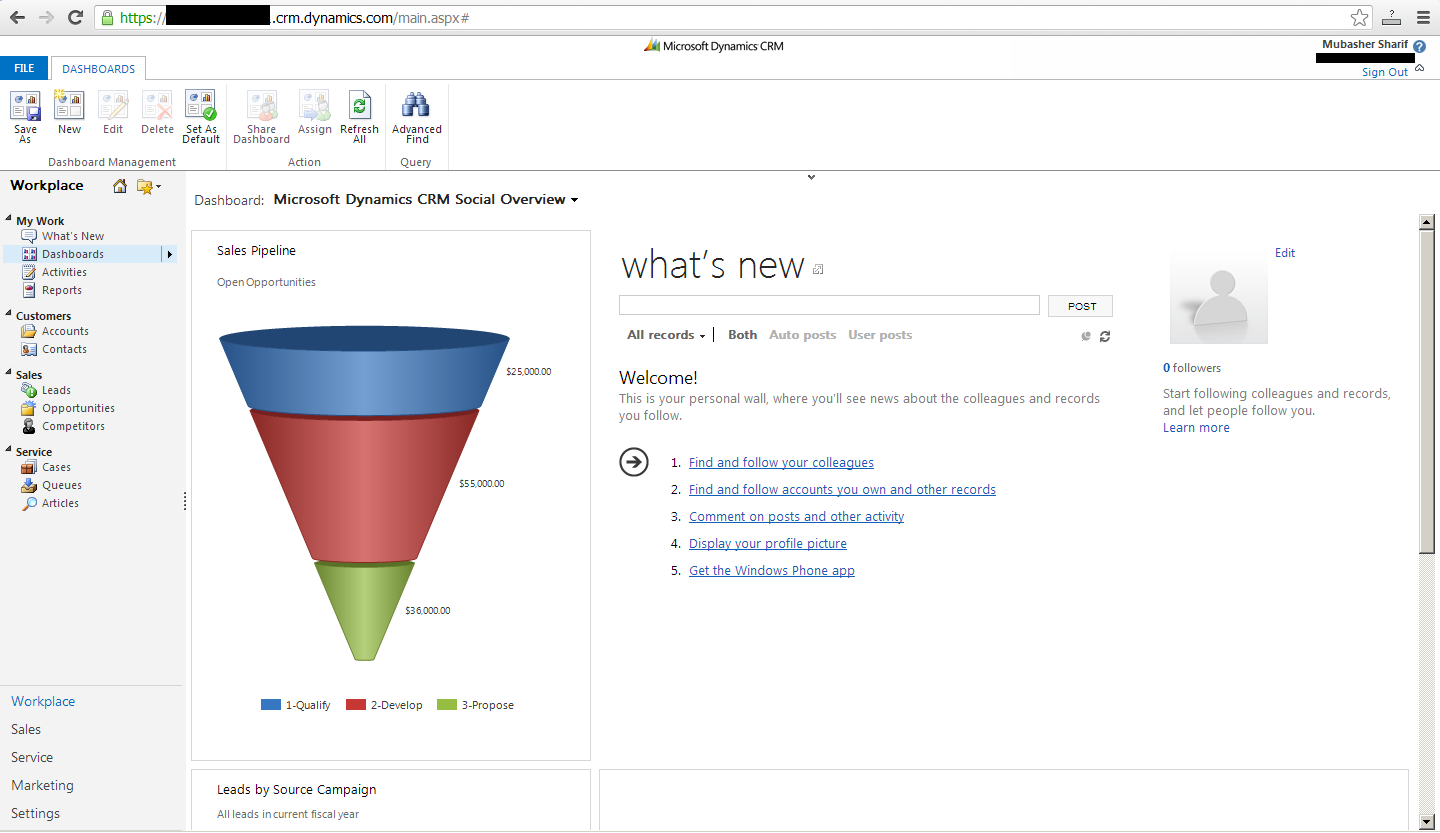
As we all know now CRM supports multiple browser support (Yahoo!) now we have to write the code differently as we have to stay near to Xrm.Page object and do supported customization we don’t need any changing to support other browsers.

View of CRM in Google chrome

Fig. 1

Note: If you want to check the browser compatibility mode you can use the custom code validation tool Download custom code validation.

2. New feature in Activity Feeds

CRM introduces new Social media functionality of like/unlike.

 Fig. 2

3. New UI for Sales and Customer Service and Product Update Functionality

New user experiences has been added for Opportunity , Lead and Case.

Fig. 3

4. Custom Workflow Activities for Microsoft Dynamics CRM Online

Now we can register custom workflow activities with CRM online too

Note: If you want to create workflow activity please check this link Create and deploy workflow activity using Developer toolkit

5. Developer Toolkit Support for Microsoft Visual Studio 2012

With rollup 12 Microsoft has also lunched The Developer Toolkit for Microsoft Dynamics CRM 2011 and Microsoft Dynamics CRM Online that supports Microsoft Visual Studio 2012. The installer can be found in the SDK download in the sdk\tools\developertoolkit\ folder.
Download CRM Toolkit

6. Bulk Data Load

If you want to Load bulk data in CRM now you can use ExecuteMultipleRequest message.

For more details please check following link
New features for developers in rollup 12